Situational diagnostics
Choose the task you are facing
01Device will not startCheck power, battery, buttons, flex cables, and signs of hardware failure.02Need system accessPassword reset, account, Recovery, and preparation for unlocking.03Charging problemsBattery drain, calibration, background processes, cable, and power adapter.04Connectivity or Wi-Fi failureSIM, LTE, router, bands, regional settings, and system errors.

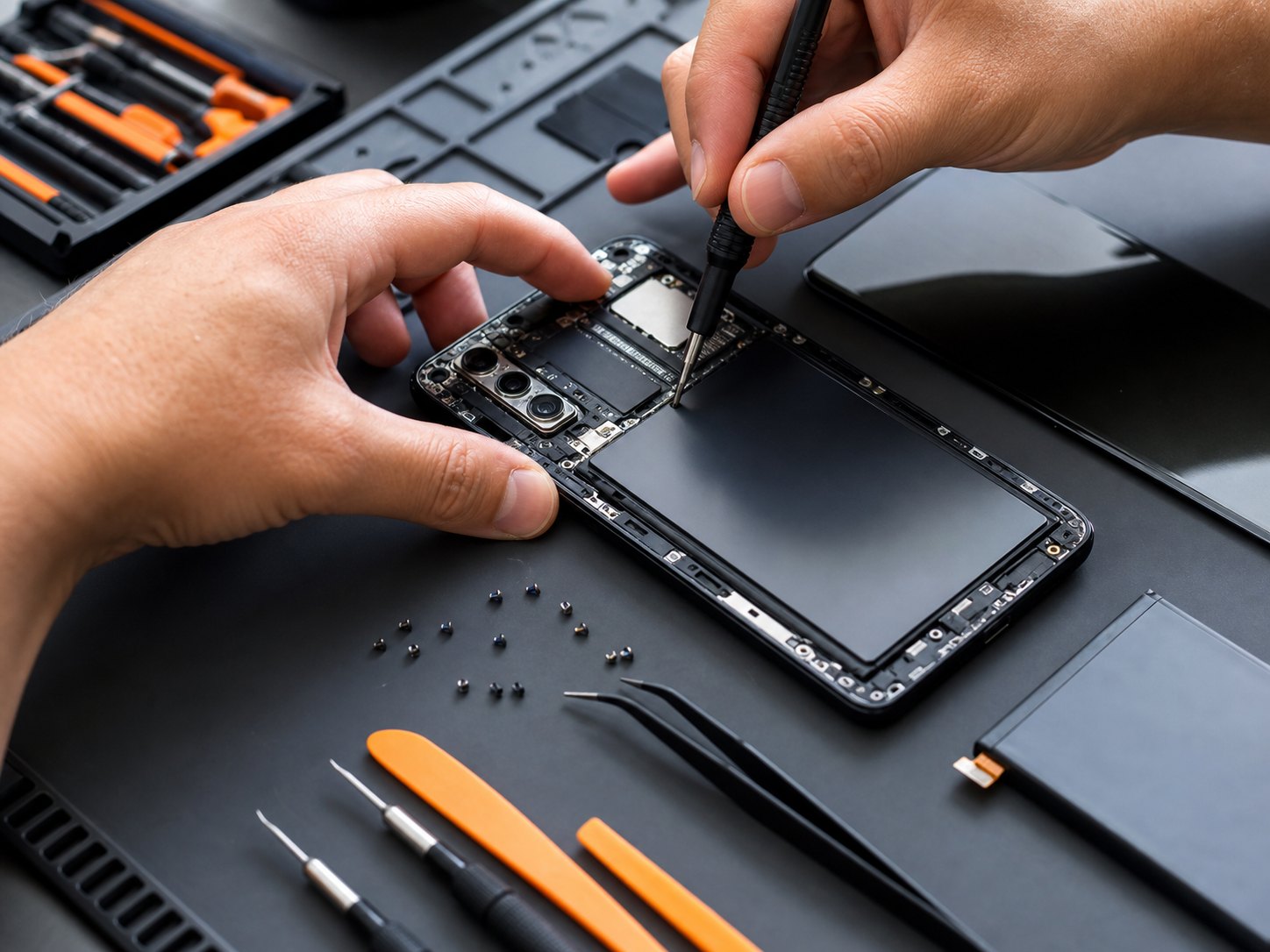
hardwareDiagnostics, disassembly, screen and battery

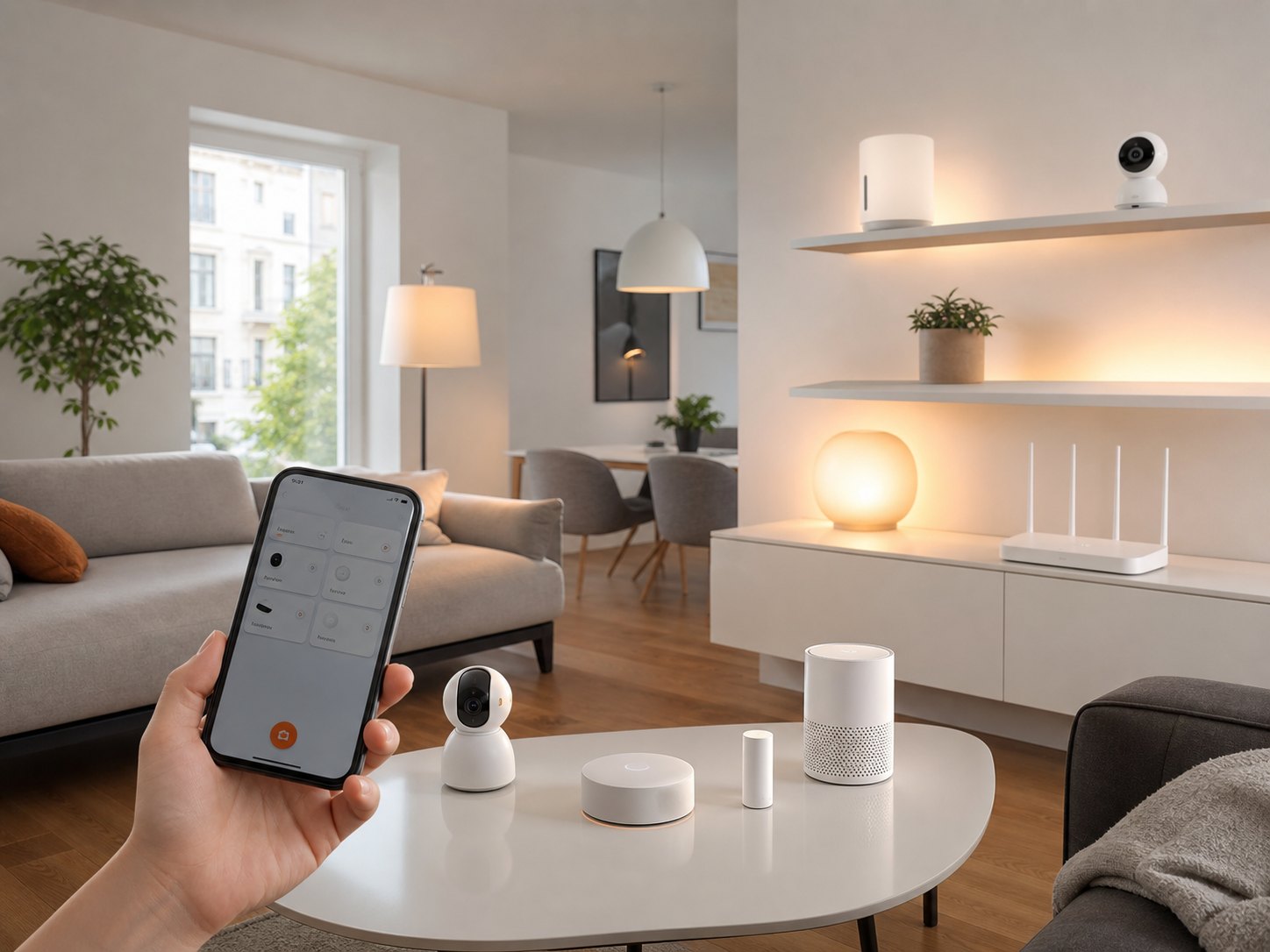
smart homeCameras, routers, sensors, lights and Mi Home

systemMIUI, HyperOS, Fastboot and recovery
Guide sections
Instructions grouped by task type
Jump directly to the direction you need: system parameters, storage, connectivity, repair, firmware, wearables, smart home or pre-purchase checks.
โ๏ธSystem SettingsInterface, gestures, notifications, permissions, and hidden options.๐พStorage & FilesStorage cleanup, voice recordings, downloads, and data transfer.๐Sound & VibrationSpeakers, calls, volume profiles, and haptic feedback.๐ธCamera & PhotosScreenshots, gallery, shooting modes, and media saving.๐ Smart HomeMi Home, scenes, cameras, sensors, and shared access.โWearablesBands, watches, pairing, notifications, and synchronization.๐ถRouters & NetworkHome Wi-Fi, channels, router settings, and network stability.๐ก๏ธSecurityAccounts, biometrics, app permissions, and data protection.๐ฒApps & ServicesGoogle services, system apps, stores, and updates.๐Buying GuideDevice checks, regional versions, packages, and purchase risks.๐Other QuestionsRare errors, unusual cases, and additional settings.

Practical scenario
Set up Xiaomi smart home as one system
Check the network, add devices in Mi Home, configure access rights and scenes so the camera, lights, sensors and router work together.
Go to smart home